
Run a live show from one Windows PC.
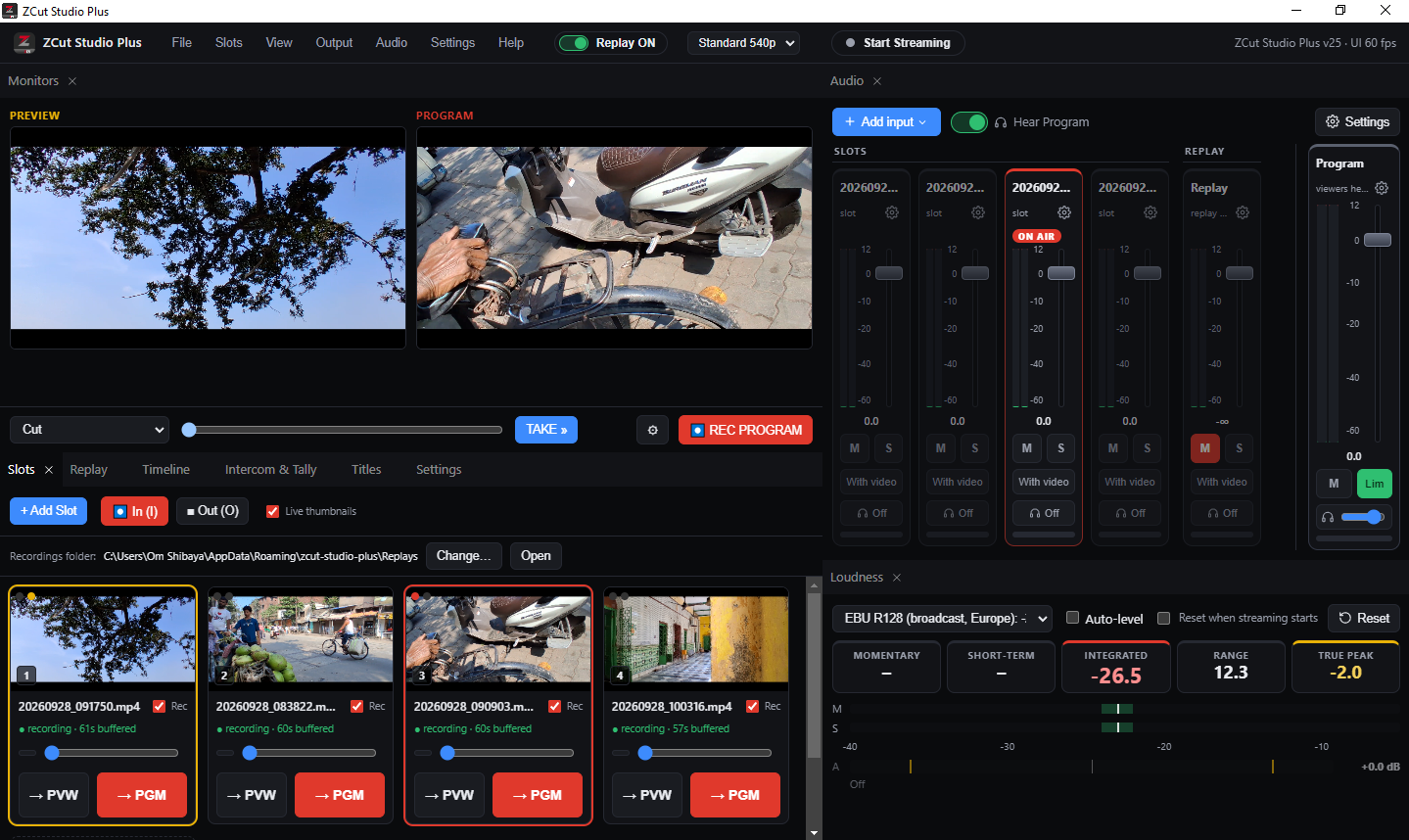
ZCut Studio Plus is a live production studio: switch between cameras, screens and video files, replay the moment that just happened, and stream to YouTube, Facebook and more. It is free to use.
Windows 10 and 11, 64-bit. No account needed to use the free version.
- Free to download and use
- Unlimited source slots
- Premium is a one-time payment, no subscription
- Your licence key works on your own computers
Built for the way a live show actually runs
Everything sits in one window that you can rearrange, or spread over two monitors.
Switch with a click or a key
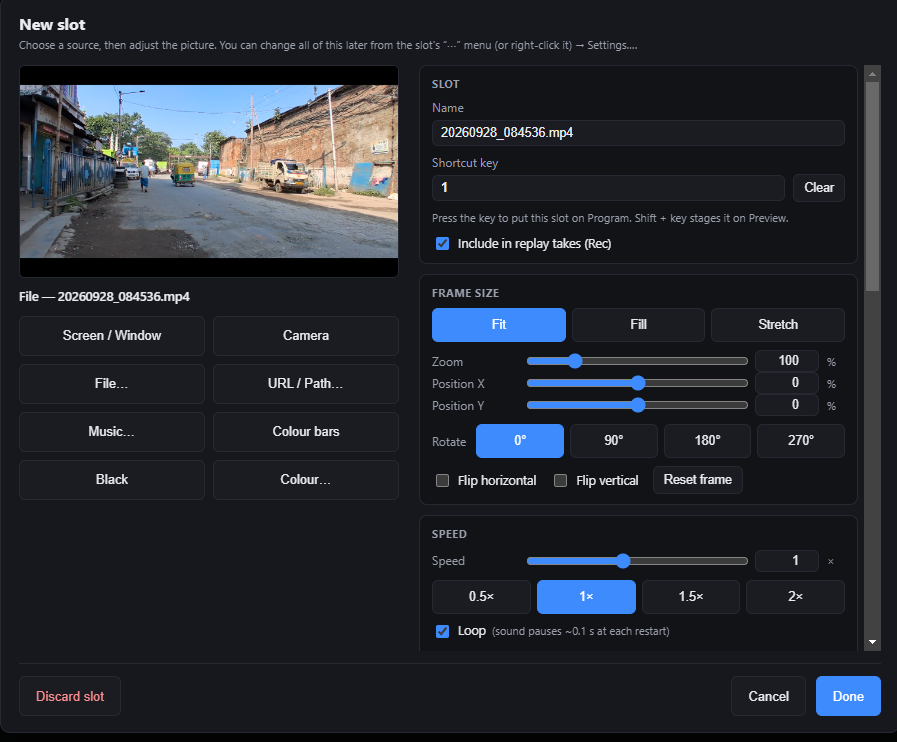
Every source gets a slot with its own shortcut key. Press the key to put it on Program, hold Shift to stage it on Preview. Use Cut, or pull the T-bar for a manual dissolve, wipe or push.
Replay the moment, then go back live
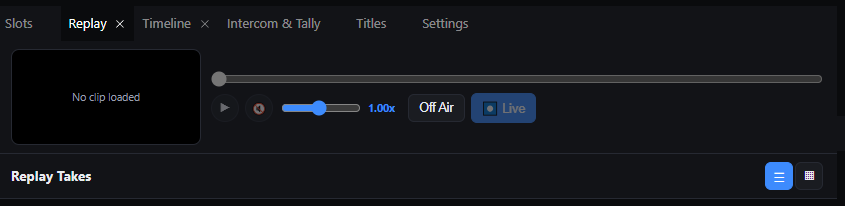
Press I when something happens and O when it ends. ZCut keeps a take with a clip from every camera. Cue it up, slow it down and send it to air when you are ready.
Stream to many places at once
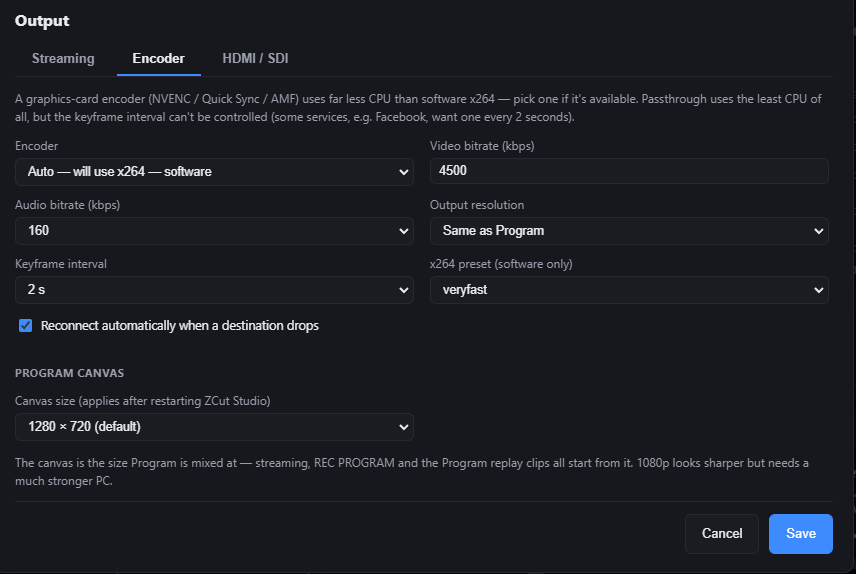
Add YouTube, Facebook, Twitch, Restream or any RTMP or SRT address. ZCut encodes once and sends to each destination, so adding another costs very little CPU. Use your graphics card encoder if you have one.
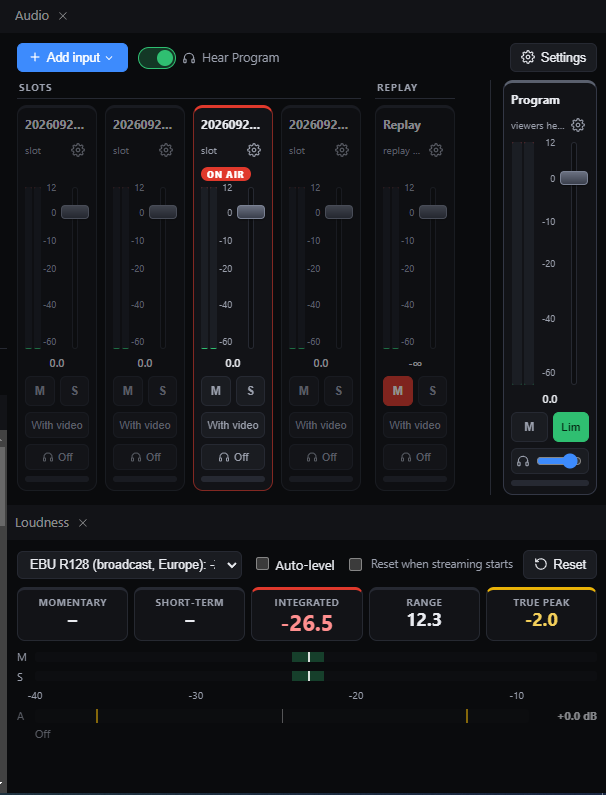
A real audio mixer, with a loudness meter
Faders, meters, mute, solo and a limiter on the master. The loudness meter follows EBU R128, so you can hit broadcast targets without guessing.
Free for everyone. Premium for the pro tools.
Start with the free version. Unlock Premium when your show needs it, and keep it for life.
Free
Rs. 0
- Unlimited source slots: cameras, screens, windows, files, URLs
- Cut and dissolve, with a manual T-bar
- Stream to one destination (RTMP, RTMPS or SRT)
- Record the Program output
- Basic audio mixer with faders and meters
- One title layer
- Autosave and session files
Premium
Rs. 999Rs. 2,999
Launch offer, one time, for one computer.
- Stream to more than one destination at the same time
- 1080p Program canvas
- Instant replay takes with per-camera recordings
- HDMI / second-screen full-screen output
- Intercom and tally for camera operators
- Unlimited title layers and scrolling tickers
- Full audio mixer processing and the loudness meter
- Timeline editor with export
Questions people ask first
Is ZCut Studio Plus really free?
Yes. You can download it and use the free features for as long as you like, with no time limit, no watermark and no account.
What does Premium cost?
The launch price is Rs. 999 (regular price Rs. 2,999) for one computer, paid once. Extra computers on the same account cost less. There is no subscription.
Do I need a powerful PC?
A modern four-core computer handles a few sources at 720p. A graphics card with NVENC, Quick Sync or AMF lowers the CPU use of streaming a lot. See the requirements.
Does it work on Mac or Linux?
Not at the moment. ZCut Studio Plus is for Windows 10 and 11.
Try it on your next show
Download, add a camera and a video file, and press a key.