
Everything in the studio
Each feature is marked Free or Premium. Premium is a one-time unlock, see pricing.
Switching and sources
- Unlimited slots. Add as many as your PC can handle Free
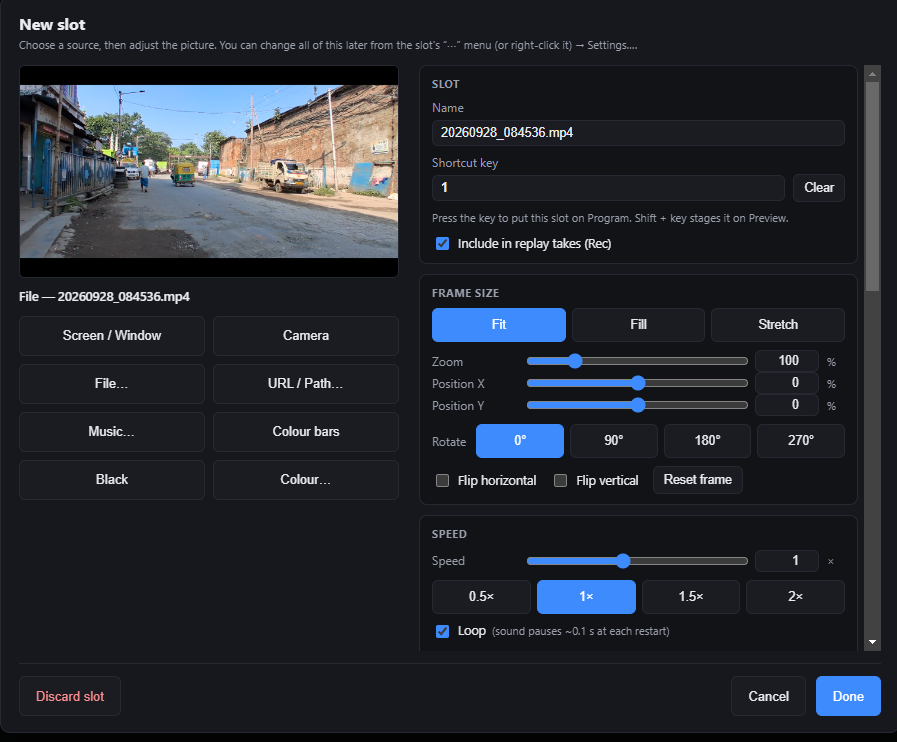
- Sources: screen or window, camera, video or audio file, URL or network stream path, music, colour bars, black, or a solid colour Free
- Cut, and a manual T-bar dissolve Free
- Wipes, slides, pushes, zoom and fade through black Premium
- A shortcut key for every slot: key for Program, Shift plus key for Preview Free
- Per slot: fit, fill or stretch, zoom, position, rotate, flip, speed, loop, brightness, contrast and saturation Free
- Autosave and session files, so a crash never costs you your setup Free
Instant replay
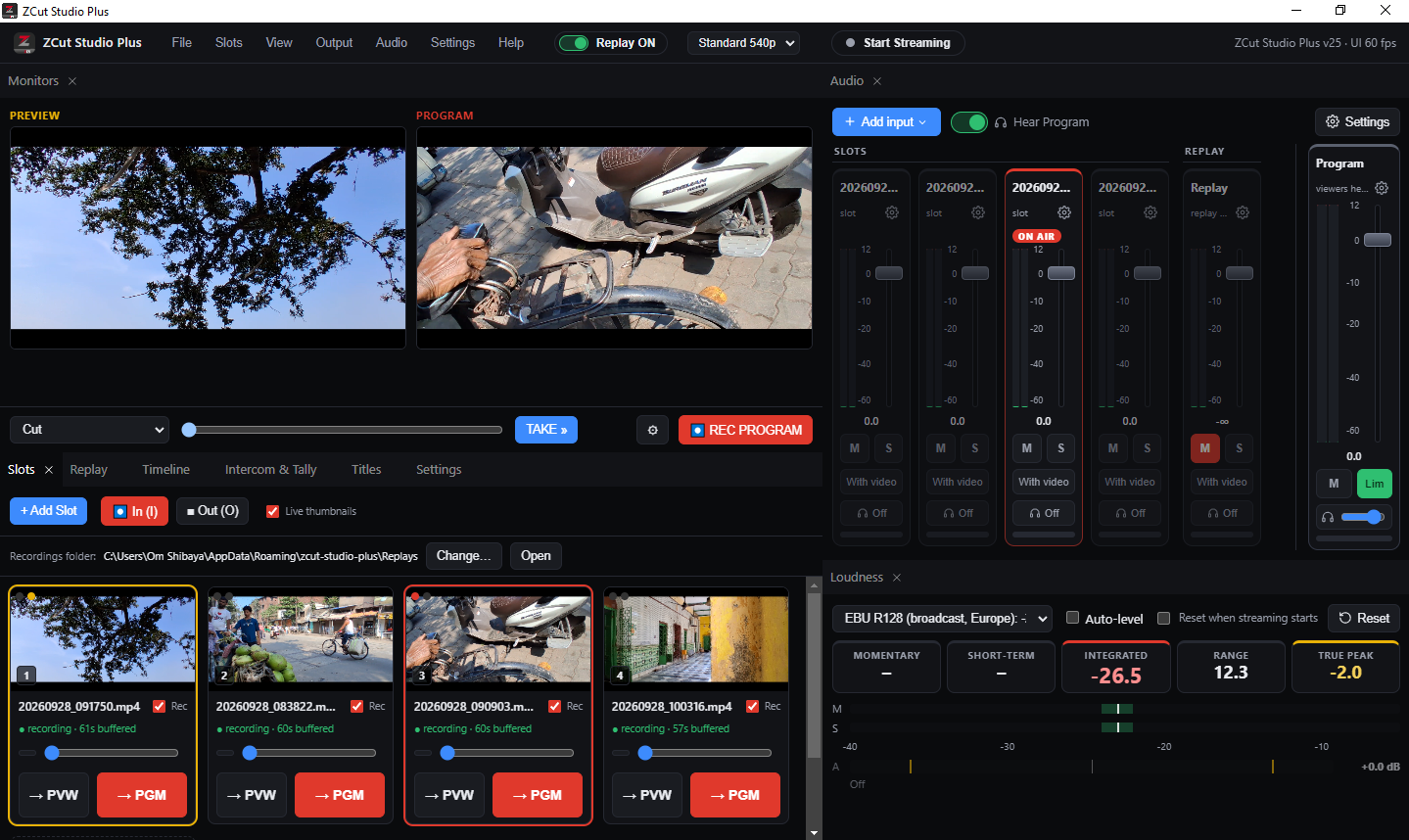
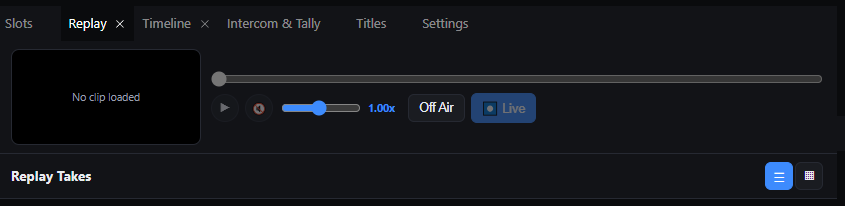
- Press I to mark the start and O to end a take, then give it a name Premium
- Every running slot is recorded with Program, so you can pick the best angle afterwards Premium
- Each take is a real folder of video files on your disk Premium
- Scrub and play at 0.1x to 2x speed, then send the clip to Program with Live Premium
- Turn the whole replay system off with one switch when you do not need it Premium
- Record the full Program output with REC PROGRAM Free
Streaming and output
- Stream to one destination: YouTube, Facebook, Twitch, Restream, RTMP, RTMPS or SRT Free
- Stream to several destinations at once from a single encode Premium
- Encoders: software x264, NVIDIA NVENC, Intel Quick Sync, AMD AMF, or passthrough. Hardware encoders are offered only when they work on your PC Free
- Each destination reconnects on its own if it drops Free
- Stream keys are stored encrypted with Windows, and never saved in session files Free
- 1280 x 720 Program canvas Free
- 1920 x 1080 Program canvas Premium
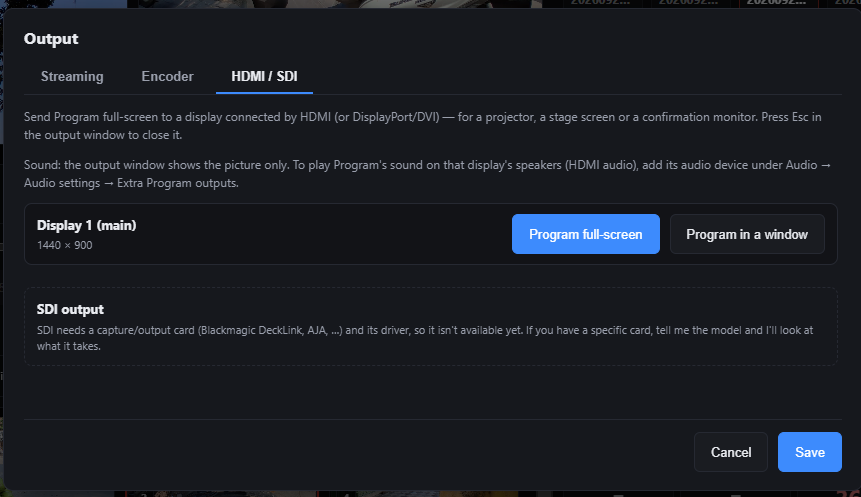
- Full-screen Program on a projector, stage screen or confirmation monitor over HDMI or DisplayPort Premium
Audio
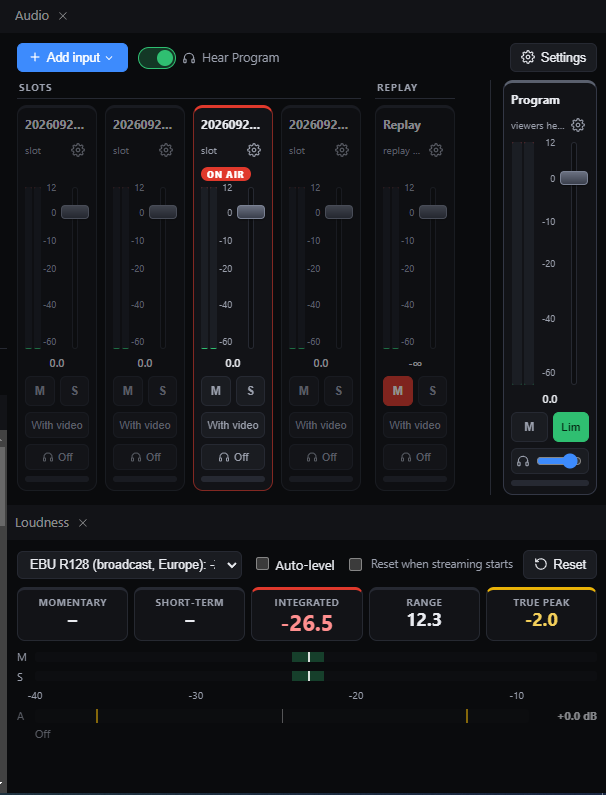
- A strip for every slot, microphone and desktop audio input, plus a Replay strip and the Program master Free
- Faders, meters, mute, solo and headphone monitoring Free
- Follow video: a slot is heard only while it is on Program, and crossfades with the picture Free
- Per channel: high-pass filter, noise gate, three-band EQ, compressor, delay and phase invert Premium
- Look-ahead limiter on the master, and extra Program outputs for HDMI audio or a PA Premium
- Loudness meter for EBU R128, ATSC A/85, streaming or your own target: momentary, short-term, integrated, range and true peak Premium
Titles
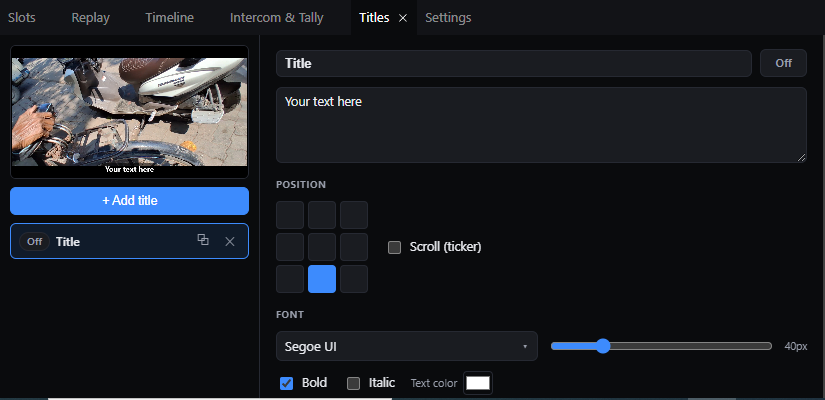
- One title layer with position, font, size, colour and background Free
- Any number of title layers, each with its own On Air switch Premium
- Scrolling ticker along the top, middle or bottom Premium
- Titles are drawn on Program, so streams, recordings and HDMI output always match Free
Intercom and tally
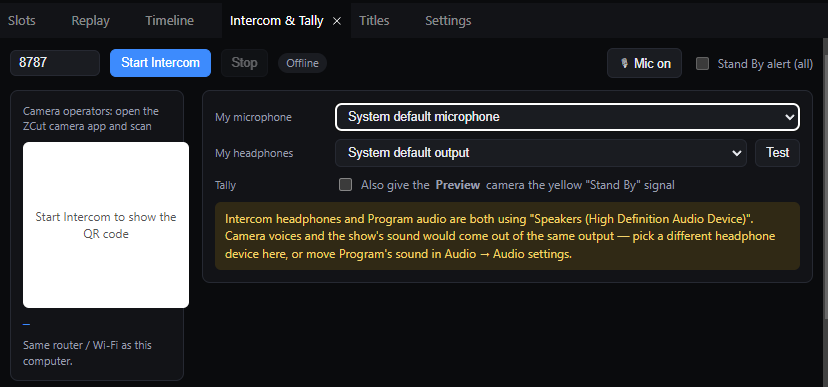
- Camera operators join the intercom by scanning a QR code with the ZCut camera app, on the same Wi-Fi Premium
- Tally signal to cameras: On Air, and Stand By for the Preview camera Premium
- Pick your own microphone and headphones, with a warning if intercom and Program audio would share one output Premium
Timeline
- Arrange clips on a track, drag to move, drag the edges to trim Premium
- Export the result as one video file Premium
Premium features are listed as they are today. We will update this page whenever the Free and Premium split changes.
See it for yourself
The free version needs no account and has no time limit.